
Installing Xming
Xming is a Windows application. You can download the “Xming Microsoft Windows program installer” using the below link http://www.straightrunning.com/XmingNotes/ it’s a normal Windows executable setup.exe. So, run it and follow the on-screen instructions.
Installing PUTTY
Most likely you will want to use ssh to connect to the remote host. So install PuTTY as a ssh client for Windows: http://www.chiark.greenend.org.uk/~sgtatham/putty/download.html
Starting Xming When you look in the Windows Start Menu you’ll find icons for Xming and XLaunch. XLaunch lets you select from the available configuration options and start the Xming server. I don’t plan to describe it, since it is really just a launcher for the Xming server and I like the free floating native windows on my Windows desktop.
Double click on the Xming icon to start the X window system.
If you are using a low bandwidth link then you can enable compression in the Connection->SSH category.
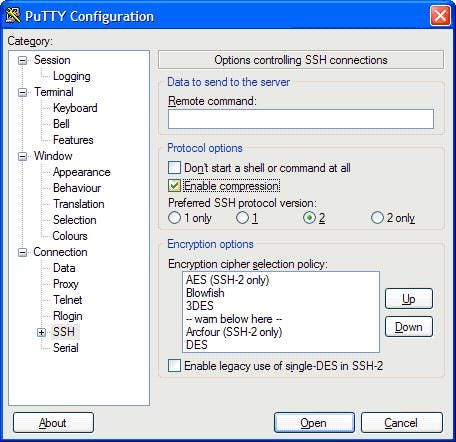
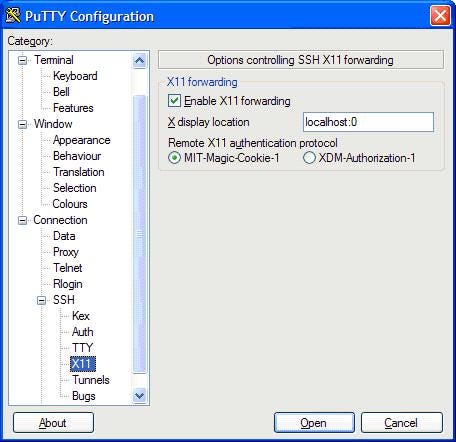
Click Open to connect to server
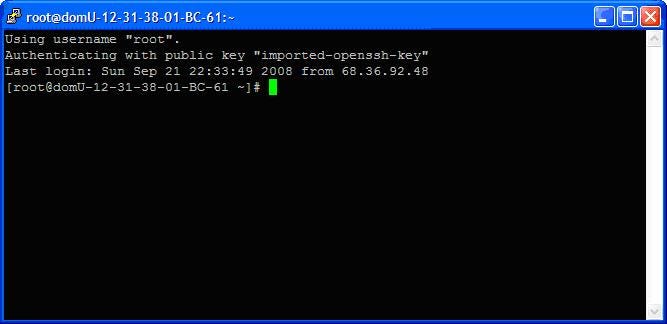
Set display option to localhost:0 on SSH console
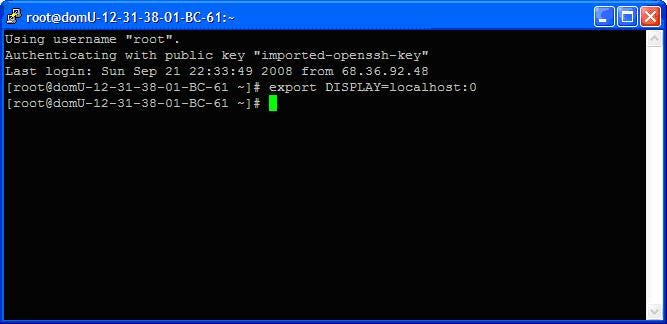
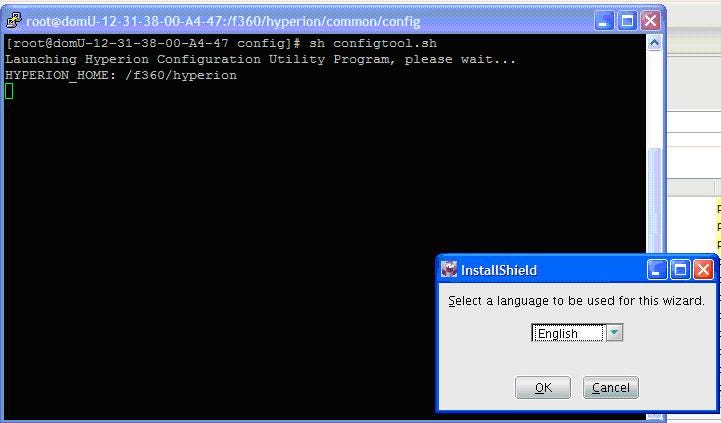
Test any commands which requires X windows, as below.
Originally published at full360.com on September 29, 2008.